The red belongs in the heading
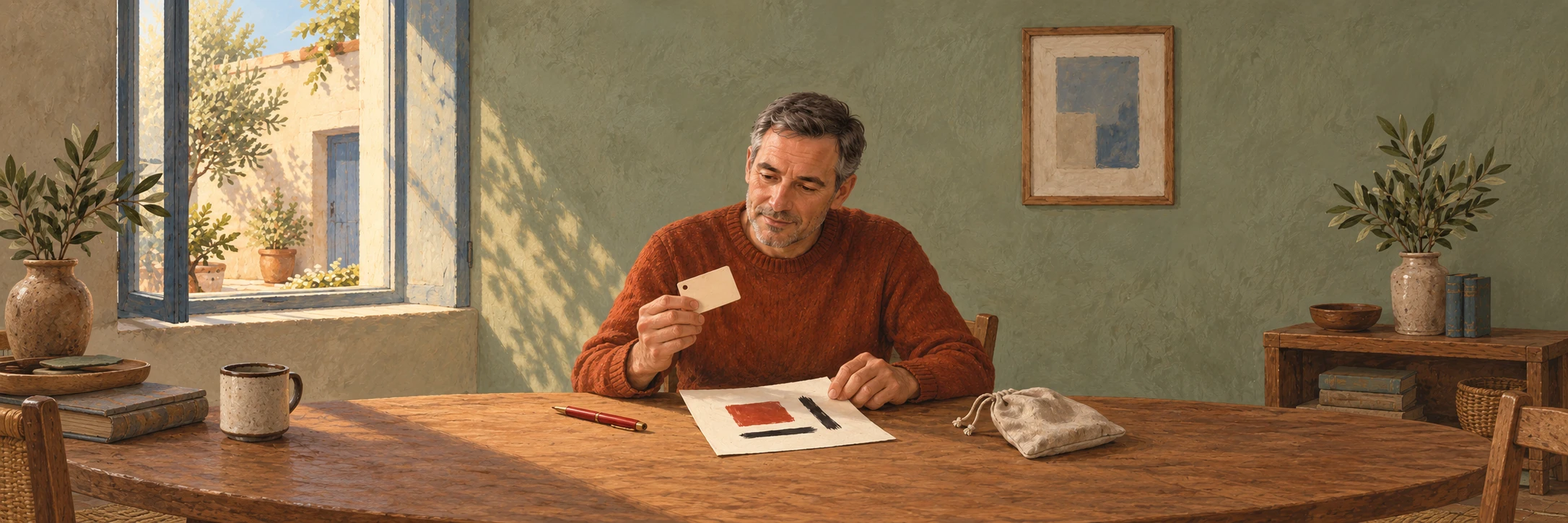
Theo draws RETURN above two lines for an item and its return date. He wants the heading red and the details black. One strong color is enough for a small tag tied to a loan pouch.
His adult child Jo brings borrowed things back at their next meeting. The date is something they agree together. Theo simply likes the idea of printing the whole tag in one design, including that red heading.
He already owns a Brother QL-800 and ordinary black-on-white stock. For this design, the refill to choose is genuine Brother DK-2251, black/red on white continuous paper tape, 62 mm × 15.2 m, sold as 2.4 inches × 50 feet. The special roll supplies the two-color capability when paired with the QL-800 and the correct setting. Selecting red in an application cannot turn ordinary monochrome stock into this roll.
The setting matters too
Theo adds Black/Red beside his sketch. His Intel x64 Windows 11 laptop already has the Brother driver, Printer Setting Tool and P-touch Editor 5.x installed, and connects directly to the printer by USB. Full P-touch Editor requires the green Editor Lite light to be off.
That computer detail matters when buying the refill. Brother currently lists Windows 11 support, but no Windows on ARM driver. Its Linux drivers support black-and-white output only. The advice here is for the stated Windows setup.
When the new roll arrives, he will load it with the printer off, following the spool and feed guide, and close the cover. In P-touch Editor he will detect or check the installed media, select Black/Red mode and choose the text colors. The layout must fit the roll width and selected cut length. He will inspect the first print before making the rest.
The QL-800 stays on his stable, dry desk with its correct cord and grounded 120 V, 60 Hz supply.
A tag can stay modest
Theo plans to put the labels on clean, dry disposable cards attached to the pouches. He will check a small area first, as Brother advises, and keep the labels and spare stock away from heat, sunlight and moisture. Paper labels can fade, and adhesion depends on the surface and conditions. These are indoor loan tags with no permanent or outdoor duty.
A red pen could supply the accent on his existing monochrome labels. For occasional tags that is a perfectly reasonable choice. Theo prefers the heading printed with the details, so he chooses the genuine DK-2251 single roll. The new one-time Amazon offer checked on October 5, 2026 was $31.49, sold and shipped by Amazon.com. He will check tax and shipping against his $130 personal budget before ordering.
He keeps RETURN in red on the sketch. The line for a date stays empty until he and Jo agree it.
When this does not matter
Black-only printing is enough, or you are happy to add a red mark by hand.
The practical fix
- For an owned QL-800, choose genuine DK-2251 black/red on white, 62 mm × 15.2 m. Check the single-roll package and final price.
- Use the Windows and USB setup described above. Load the roll with power off, then use full P-touch Editor with Editor Lite off and the correct media and Black/Red setting.
- Fit the design to the label, inspect the first print and check adhesion on a small area of the disposable card. Keep the paper dry and protected from heat and sunlight.
This applies if…
- You own a US QL-800 and want printed red and black on indoor paper labels using the supported Intel x64 Windows 11 and direct USB setup.
The answer changes if…
- You use another printer, a third-party roll, Windows on ARM or Linux, or need outdoor, archival or regulated labels.
The source notes
- Brother DK-2251 black and red label rollBrother · DK2251 specifications and compatible QL printers. · Checked 2026-10-05
- Brother QL-800 US user guideBrother · US QL-800 User Guide. Printed page iii (PDF 4), label precautions. Pages 4–7 (PDF 12–15), roll loading, power and USB. Pages 34–36 (PDF 42–44), Black/Red mode. Page 74 (PDF 82), power specifications. · Checked 2026-10-05
- Brother red and black printing in P-touch EditorBrother · P-touch Editor 5.x for Windows: Express and Professional color settings. · Checked 2026-10-05
- Brother QL-800 US software downloadsBrother · QL-800 US downloads: Windows 11, software requirements and platform limitations. · Checked 2026-10-05
What to check in your own setup
- This is red and black printing on white paper, with no full-color or lasting outdoor-label claim.
- Actual appearance and adhesion need checking on the intended tags. Color supplies no guarantee about borrowed items coming back.
- Tax, shipping and future offer availability can change the purchase total.
- Match the Brother DK-2251 label roll listing to model DK2251 / DK-2251. Variant: US genuine single roll, black/red on white, 62 mm × 15.2 m.
Spotted something that needs a second look? Leave a correction for this story.