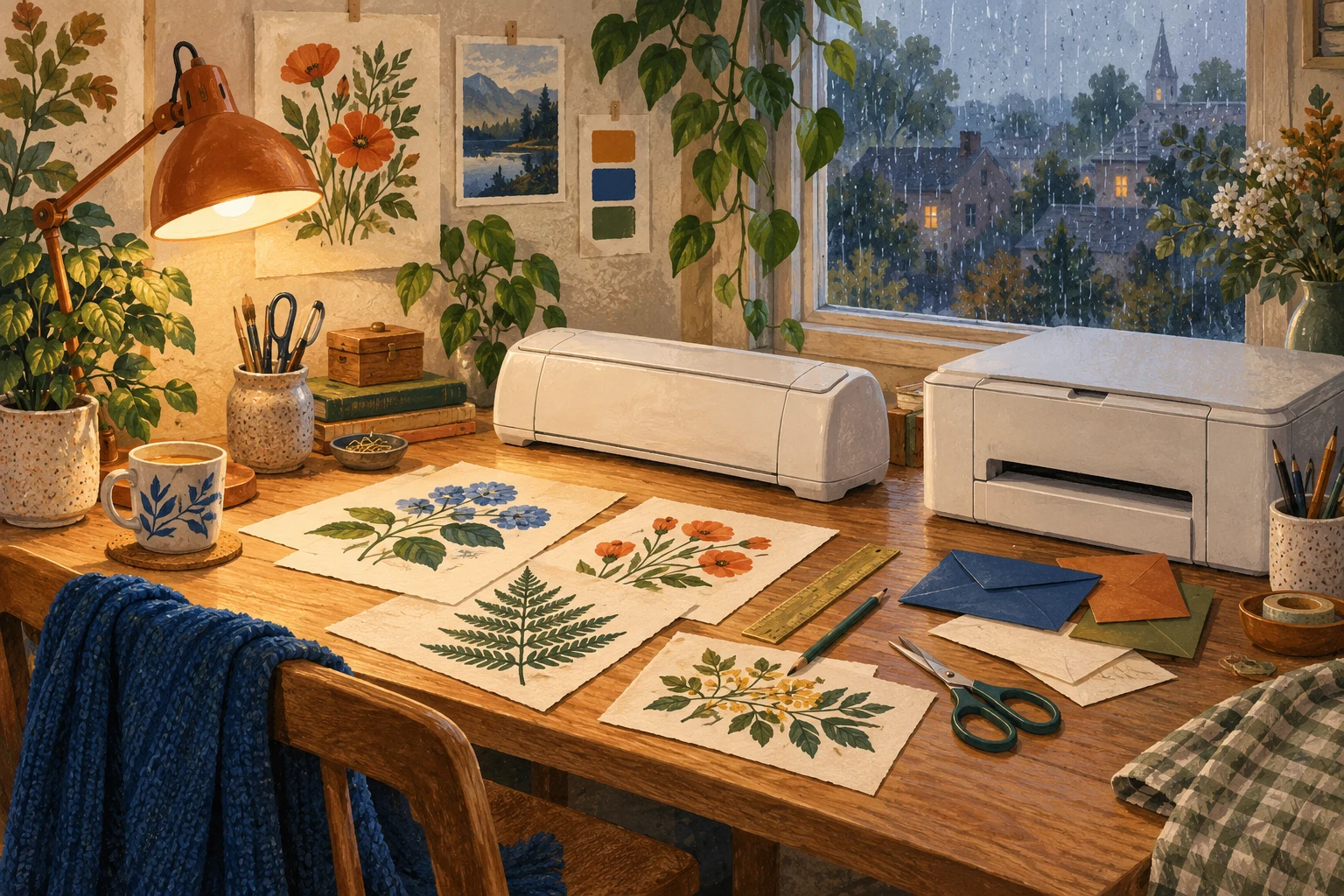
Nora started with the shape
The label Nora drew had a stem, five points and a curved edge that she did not fancy cutting by hand for every box. It was a leaf for the shared hobby supplies. Everyone would still get a written name, though Nora wanted the color and shape to do some of the finding.
She already kept small accessories in a labeled tin. This was a more ambitious version of a habit that worked. On Wednesday evening, free of her Tuesday and Friday volunteer-transport rounds, she opened a Joy Xtra listing beside the drawing on her laptop. The house already had a color laser printer. Printing seemed to be the part they had covered.
Drew, one of her three housemates, was reluctant to replace working equipment without a reason. He could see a reason for a cutter to follow those curves. Nora could too. She chose Cricut Printable Vinyl for the proposed labels and opened its instructions before putting anything into the printer.
The problem arrived before the blade
Cricut’s instruction was specific: this Printable Vinyl needed an inkjet printer. Laser heat could damage the material or the printer. Nora could not put her chosen vinyl through the machine she already owned.
Joy Xtra supports Print Then Cut. A separate printer makes the image first, then the cutter follows the prepared design. The Joy Xtra itself does not print.
For Nora’s exact plan, that settled the cutter-only order. Her existing color laser and Cricut Printable Vinyl were the wrong pairing. A cutting machine and mat could not supply the missing compatible printer.
Drew asked whether that meant the laser was useless for any version of the project. Cricut’s broader guidance gave a more useful distinction. Laser printing can be used with suitable paper, cardstock or specialty material made for laser printers. Heat-sensitive printable vinyl and iron-on have different requirements. The material instruction matters before a sheet goes through the feed slot.
They had not checked another paper against their printer’s instructions. Nora would do that if she changed materials. For now, the working laser stayed.
What would make Joy Xtra fit
Joy Xtra can handle the cutting once you have a compatible inkjet printer for Cricut Printable Vinyl. You also need a Joy Xtra-sized mat, the supported blade and a compatible device running Design Space. The standard machine package does not include a printer.
Cricut says to complete the printing and cutting from the same device and session. Printing from iOS needs AirPrint. White matte, nonreflective material is the simplest choice for the machine’s sensor. Check the extra restrictions before choosing a shiny finish.
Nora’s personal purchase limit was $150, and she had been planning to buy one machine. A compatible inkjet printer would have to be part of the plan too. She closed the cutter-only order until she knew what the whole setup would cost.
Nora saved the leaf drawing in her project folder. She still wanted those curves on the boxes. The old labels would do for now, and Drew could keep using the printer they already had.
When this does not matter
You are happy with straight-cut or handwritten labels and have no need for contour cutting.
The practical fix
- Identify the exact printable material before choosing equipment. Cricut Printable Vinyl requires inkjet and must not go through a laser printer.
- Before buying the cutter for that vinyl, include a compatible inkjet printer, Joy Xtra-sized mat, supported blade and Design Space device in the plan.
- For a laser-based project, check the exact printer and laser-rated material together. A different material can change the buying question.
- Wait to buy until you have chosen the whole setup. You can keep using your current labels while the contour-cut vinyl project waits.
This applies if…
- You own a color laser printer and are considering Joy Xtra for Cricut Printable Vinyl.
The answer changes if…
- A compatible separate inkjet printer is already available for the exact vinyl.
- You can use a material made for your laser printer instead of Cricut Printable Vinyl.
The source notes
- Printable Vinyl instructionsCricut · Preparation and inkjet-or-laser FAQ · Checked 2026-10-04
- How to Print Then CutCricut · Compatible printers and What you need · Checked 2026-10-04
- Joy Xtra quick startCricut · Box contents, mats, software, connection · Checked 2026-10-04
- Print Then Cut compatible materialsCricut · Materials and compatiblecolors · Checked 2026-10-04
What to check in your own setup
- Nora has not chosen a compatible inkjet printer or checked a substitute paper for her laser printer.
- No actual printing, cutting, water resistance or finished-label durability was tested.
- Joy Xtra supports Print Then Cut. This does not establish the features of every model carrying the Joy name.
Spotted something that needs a second look? Leave a correction for this story.