Leon wanted it back before lunch
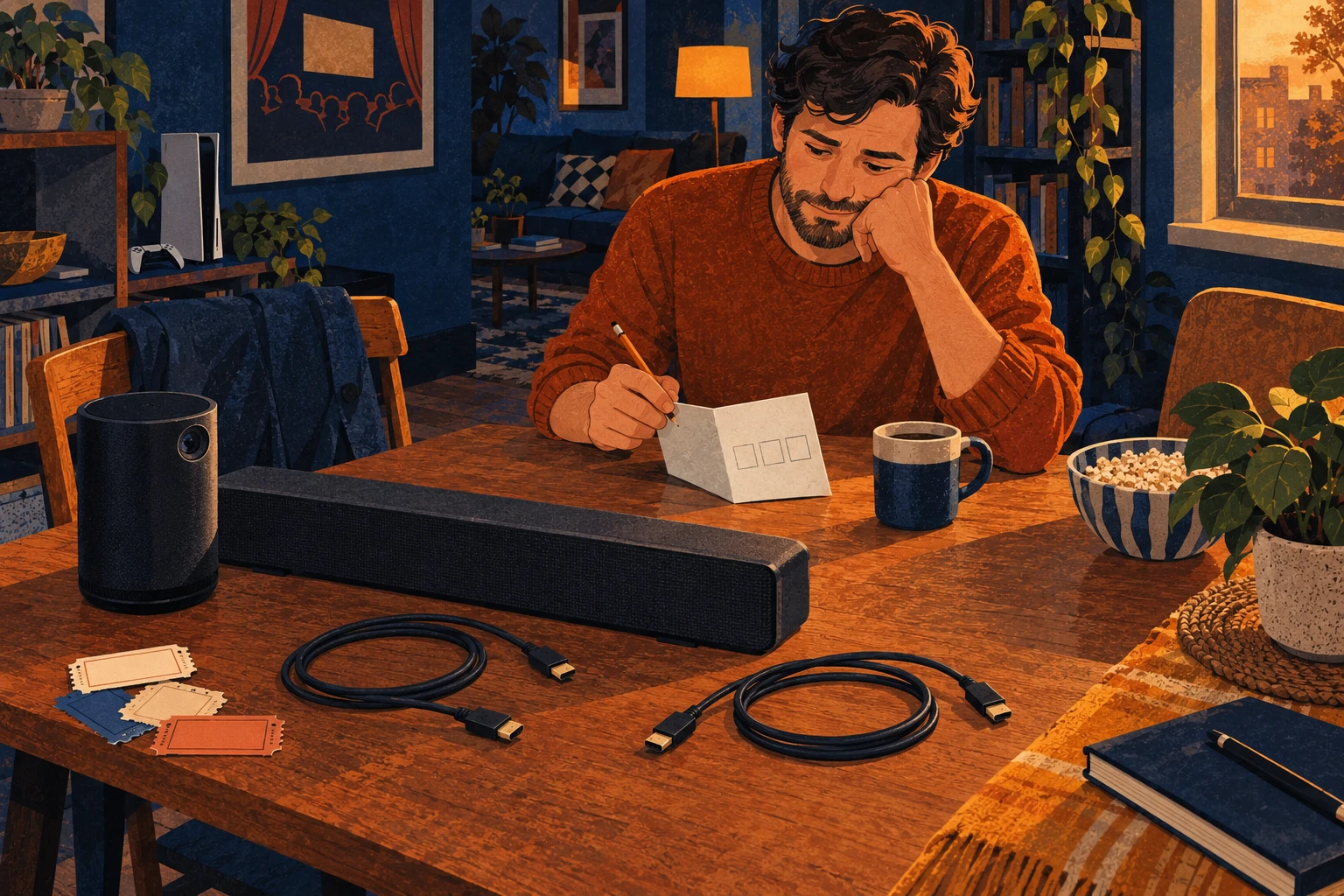
Ellis wrote “Beam back before Sunday lunch” across the bottom of his Saturday program. Leon had been clear about that. The soundbar belonged downstairs, even if Ellis could imagine it staying under his own screen.
The program was handwritten, as were the ones he made for the repertory cinema where he volunteered on Thursdays. This one had cooperative games instead of short films. Ellis owned the Capsule 3 Laser D2426, had borrowed a PS5 for the weekend and was borrowing Leon’s Beam Gen 2 to see whether a soundbar of his own belonged in the plan.
He laid out the HDMI cables before shifting any furniture. The power cables were accounted for. He had remembered the return time. On the back of the program, he drew three boxes and began joining them.
One arrow too many
The first arrow was straightforward. Sony’s setup guide sends the PS5’s HDMI OUT to the display’s HDMI IN. Ellis drew that line to the projector. Then he looked for the socket that would take the Beam’s cable.
The D2426 rear-panel drawing showed one HDMI socket, alongside USB-C and AUX-OUT. The Capsule 3 Laser port list called the HDMI connection ARC. That had seemed promising when he first read it. ARC lets a display send audio back along an HDMI connection to a soundbar. It still needs that connection. The console had already claimed the only socket.
Ellis moved the Beam box between the other two on his drawing. If the console could go into the soundbar and the picture could continue to the projector, the numbers would work. The Beam Gen 2 guide stopped that plan. It listed one HDMI connector and told him to connect external video devices to the display. There was no separate HDMI video output through which the Beam could pass the PS5 picture.
The small adapter needed something else
The Sonos instructions offered an optical adapter for a display without ARC. Ellis read the next line before adding anything to a basket. The adapter connects to a digital optical audio output. The D2426 panel showed AUX-OUT, USB-C and HDMI. It showed no optical digital output.
The Sonos optical adapter needed an output his projector did not have. He could see why people bought extra boxes for complicated systems, but he had not found one with instructions showing how to connect all three devices. “HDMI splitter” on a listing would not tell him whether it supplied the particular audio connection his Beam needed.
Leon’s deadline now helped. Ellis had borrowed one soundbar for a Saturday, and he wanted to decide whether to buy that soundbar. He did not want to turn the loan into a succession of boxes ordered to find out what each previous box was missing.
The loan could end without a purchase
He crossed out the proposed soundbar purchase. For his Capsule 3 Laser and an external PS5, the direct-cable plan was incomplete. Buying his own Beam would reproduce the same connection problem. He could settle that before hearing a single game through it.
A different display or an adapter verified for all three devices could give him another way to connect them. Playing a source inside the projector also changes which socket is occupied, but its Beam audio connection and formats would still need checking. He still had no complete connection for the equipment on his table.
He put Leon’s cables back with the Beam and carried it downstairs early. The program stayed upstairs, with the connection drawing on its reverse. Ellis kept it for his next soundbar search. For now, Leon would not have to come looking for his.
When this does not matter
You do not need the Beam to play audio from the external PS5. This particular connection problem then falls outside your plan.
The practical fix
- Confirm Capsule 3 Laser D2426 and Beam Gen 2, then draw PS5 HDMI OUT to the projector HDMI input.
- Account for the Beam’s audio connection. The occupied projector socket cannot take a second direct cable, and Beam has no separate HDMI video output.
- If considering the Sonos optical adapter, check for the required digital optical output. The D2426 rear panel does not show one.
- Decline the assumed direct-cable Beam purchase. A different interface or display needs a complete documented route before it becomes a reason to spend.
This applies if…
- You are considering a Beam Gen 2 for a PS5 that uses the Capsule 3 Laser D2426’s HDMI input.
- Your plan relies on direct cables and has no independently verified interface route.
The answer changes if…
- A different exact display or interface supplies a complete documented video and Beam audio route.
- The external PS5 is removed from the setup and the remaining audio route is checked separately.
The source notes
- What ports does Capsule 3 Laser have?soundcore / Nebula · Port list: USB-C, HDMI ARC and AUX · Checked 2026-10-04
- D2426 English user manual from US supportsoundcore / Nebula · PDF page 9, printed page 08, Rear View. Port drawing and connector descriptions. · Checked 2026-10-04
- D2426 US manual download pagesoundcore / Nebula · Download URL in manufacturer page HTML · Checked 2026-10-04
- Beam Gen 2 user guideSonos · Beam Gen 2 connector panel and Connect the cables · Checked 2026-10-04
- PlayStation 5 setupSony Interactive Entertainment · Connect the HDMI cable and rear-panel diagrams · Checked 2026-10-04
What to check in your own setup
- No exact extractor, converter or splitter chain is recommended here. This page answers the direct-connection buying question.
- The port evidence does not establish game latency, lip sync, surround formats or listening quality.
Spotted something that needs a second look? Leave a correction for this story.